
User Guide
How to open a file, edit it, and export. Follow along in the editor.
Open, edit, and present without an account. Saving .pptx and HTML export need sign-in. PDF, PNG zip, and video are made in the browser. Online storage, sharing, live present, and collaboration also need sign-in. Sign-up joins the beta. Capabilities and quotas are in Account & beta.
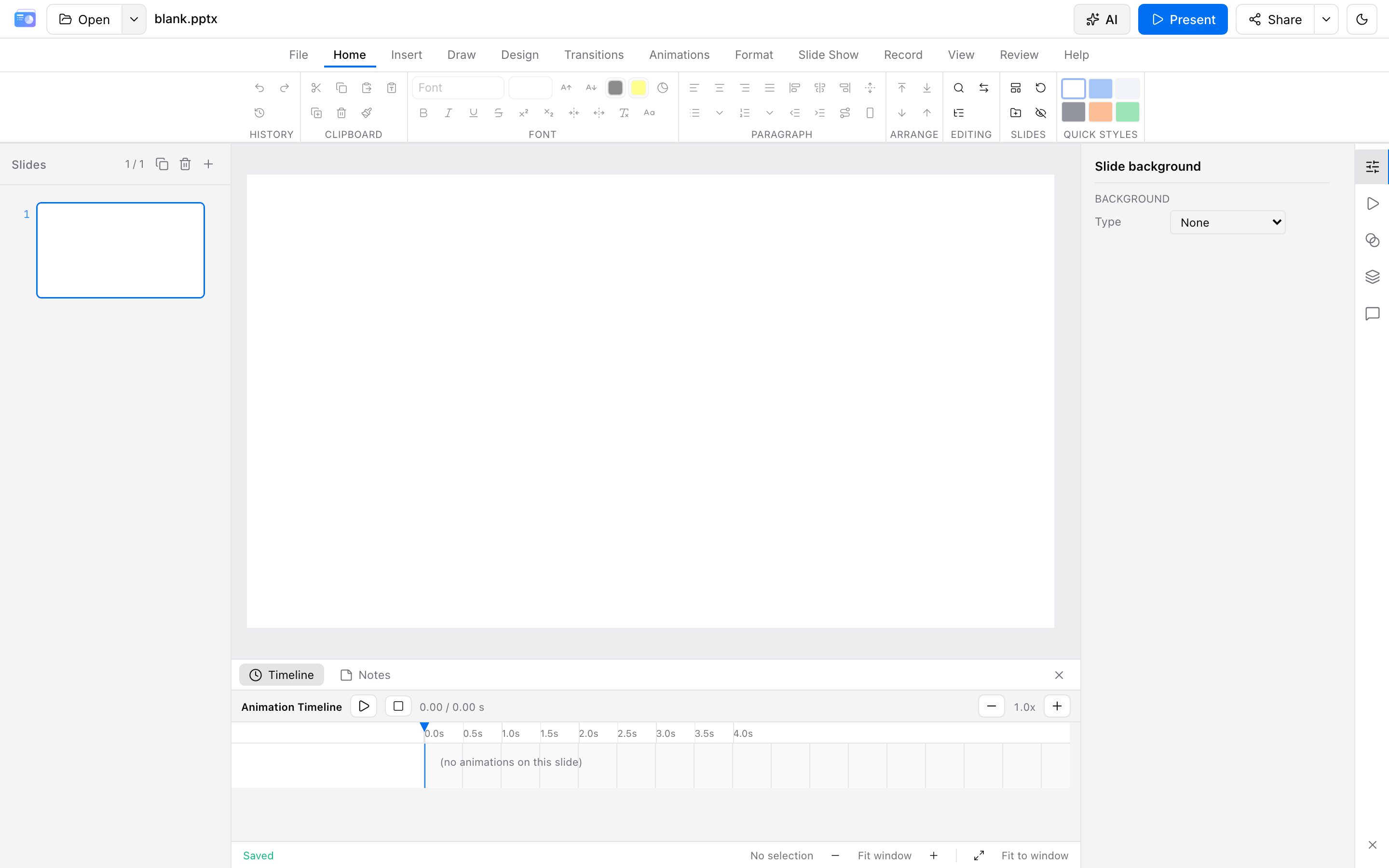
Map
| Section | Covers |
|---|---|
| Getting started | Open the editor, import a .pptx or an https link |
| Editor | Layout, toolbar, text / shapes / media, masters, review |
| Animation & slideshow | Transitions, object animation, presenter view, record |
| Editor plugins | Official add-ins, and the functions a plugin can call |
| Playback plugins | Slideshow plugins, and the functions a plugin can call |
| AI assistant | Bring-your-own API key, generate wizard, chat edits, Skills / MCP |
| Export | PPTX / HTML (quota) · PDF / PNG zip / video (free, on-device) |
| Cloud storage & share | Encrypted backup, read-only links, live present, collaboration |
| Account & beta | Quotas, registration, and sign-in |
| Console | Files, media library, shares, usage, campaigns, Skills |
| Shortcuts | Editing and slideshow shortcuts |
| Open source | Install @sliiu/present-*, then read, present, and edit |
For errors and compatibility, start with the FAQ. Still stuck? Email support@slimppt.com.