
Account & beta
The public product is an invite-only beta. The console shows “Beta” and hides paid-plan checkout and invoices.
What you can do without an account
Open the editor to open files, edit, present, and use AI (your own key). Drafts stay in this browser.
Export to disk, online storage, online share, live present, and collaboration need sign-in. After you sign in, guest drafts on this device merge into that account.
How to register (export / cloud)
- Get an invite code (from a current beta user, or an official channel)
- Register on the console or website: email + password (8+ characters), or Google / Apple, plus the invite code and terms
- Email signup asks for a 6-digit verification code
- Sign in for export, online storage, sharing, and collaboration. The session is shared across the website, console, and editor
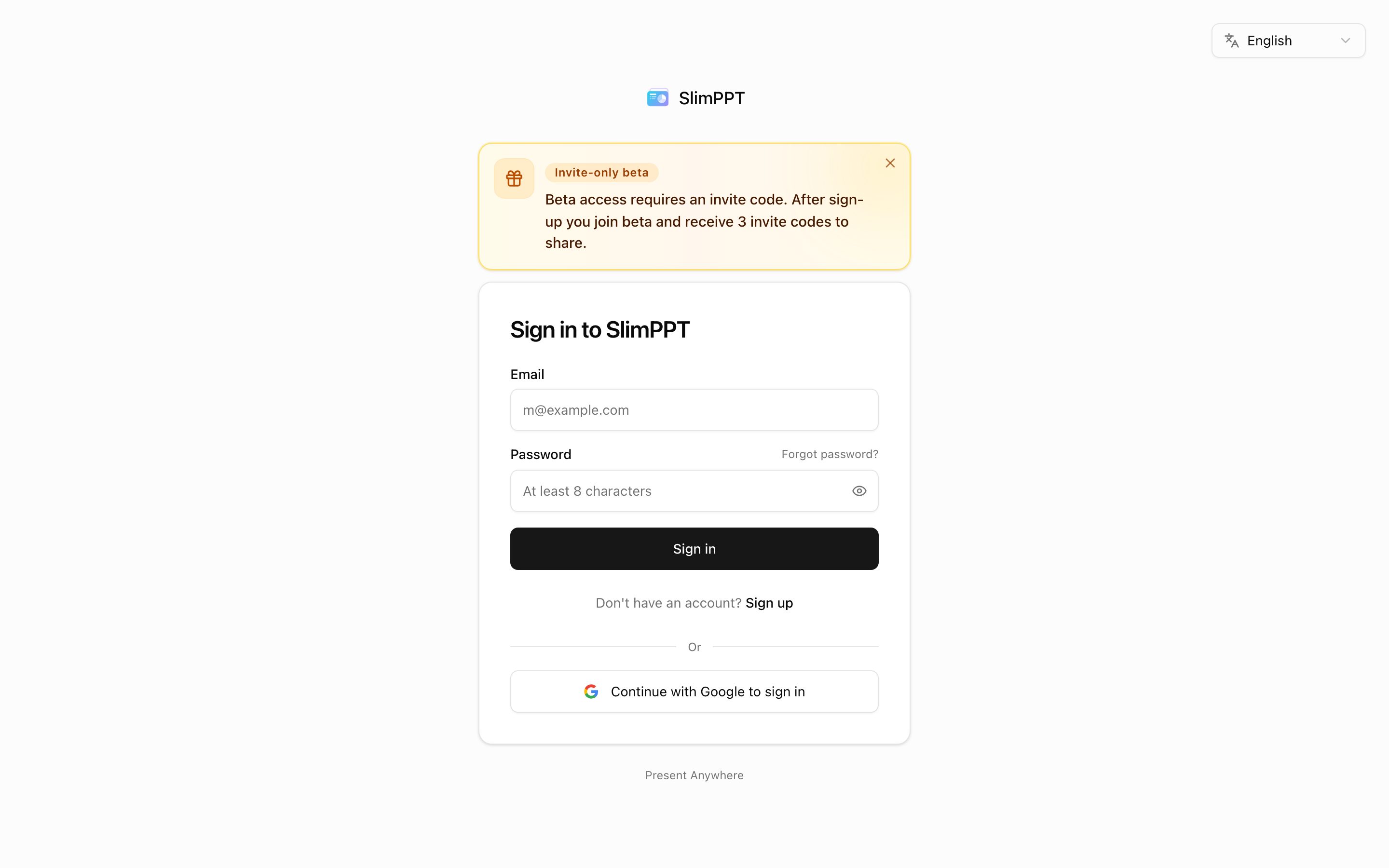
Registration without a code is blocked; you can keep using the editor as a guest.
Forgot password: “Forgot password?” on the login page → code by email → set a new password.
After signup, Campaigns issues 3 invite codes (about 15 days to use). Used or expired codes cannot be redeemed again.
Beta capabilities (summary)
| Item | Guest (signed out) | Beta account |
|---|---|---|
| Edit / slideshow / local storage / AI BYOK | Yes | Full |
| Export to disk | Sign-in required | 200 pages/month, no HTML watermark |
| Advanced motion and plugins in HTML export | — | Kept |
| Online storage | — | 1 GB (~200 MB per file) |
| Online share / live present | — | Unlimited links, not counted as export; 30-day default TTL |
| Collaboration | Sign-in required | Experimental |
Live numbers in the console and editor always win. Paid plans are not sold yet.
Console
The console is for account, cloud files, media library, usage, share links, campaigns, and AI Skills. Editing happens in the editor. Page-by-page notes: Console.