
Export
When you finish, use the export menu at the top right (next to Share). The File ribbon has the same commands. Files download to your device.
Export requires sign-in. Guests are sent to the console login (beta registration needs an invite code). After login you return to the editor. Guest drafts on this device merge into that account.
Saving .pptx and exporting HTML / HTML zip / PDF / PNG are generated on the gateway and then downloaded. JSON export still runs in the browser.
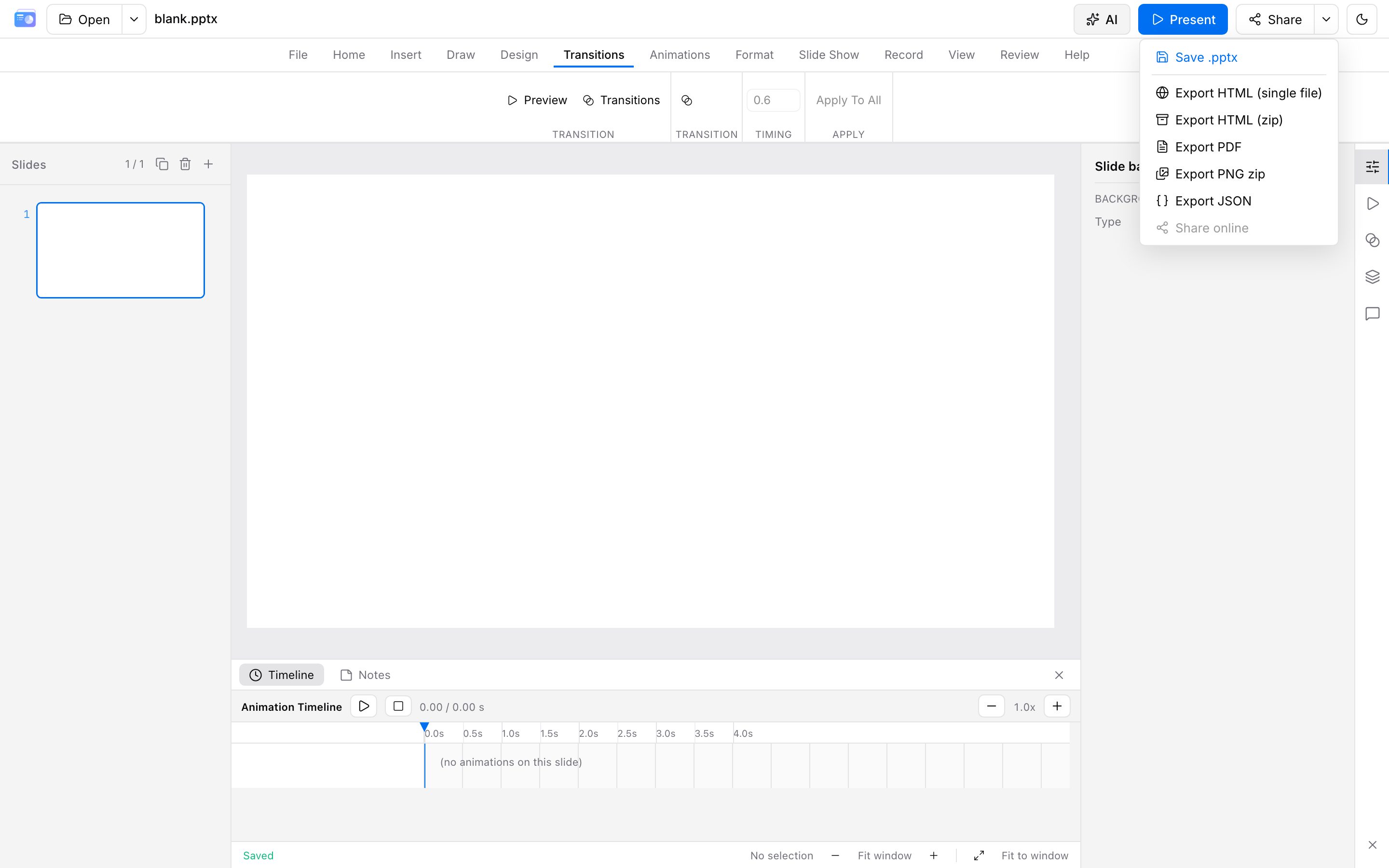
Formats
| Format | Use |
|---|---|
.pptx / .pptm | Write back OOXML for PowerPoint / Keynote (macros pass through, not executed) |
| HTML (single file) | Offline share with inlined assets |
| HTML zip | HTML + assets/, suitable for your own hosting |
| Distribution and print | |
| PNG zip | One image per slide |
| JSON | Internal intermediate representation |
File → Print opens the browser print dialog for a quick paper copy. Use PDF export for formal handouts.
PPT export preserves unmodified fields where possible. For high-stakes decks, do a final pass in PowerPoint.
How pages are counted
- Counts: local downloads of PPT / PDF / HTML / PNG (including Ctrl/Cmd+S save as .pptx) — one slide = one page
- Does not count: online share publish/update, slideshow, local autosave (browser IndexedDB), cloud upload, print preview
- Quota resets each month on the anniversary of when beta access started (last day of the month if that day does not exist). Unused pages do not roll over
- Each download deducts again; exceeding the cap blocks export
Current beta quotas are in Account & beta. Trust the meters in the editor and console.
Advanced motion and plugins
In-product slideshow can use advanced transitions and playback plugins. HTML / HTML zip export in beta keeps those effects and packs plugins (laser pointer, whiteboard, and similar).